Good luck clock Arduino

Good Luck Clock

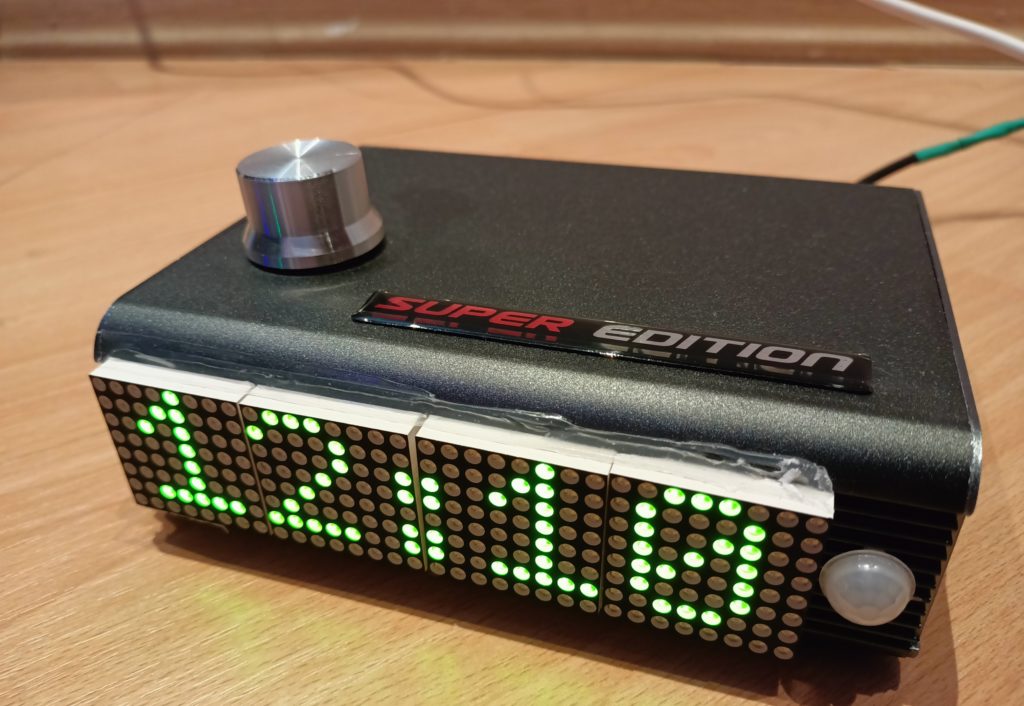
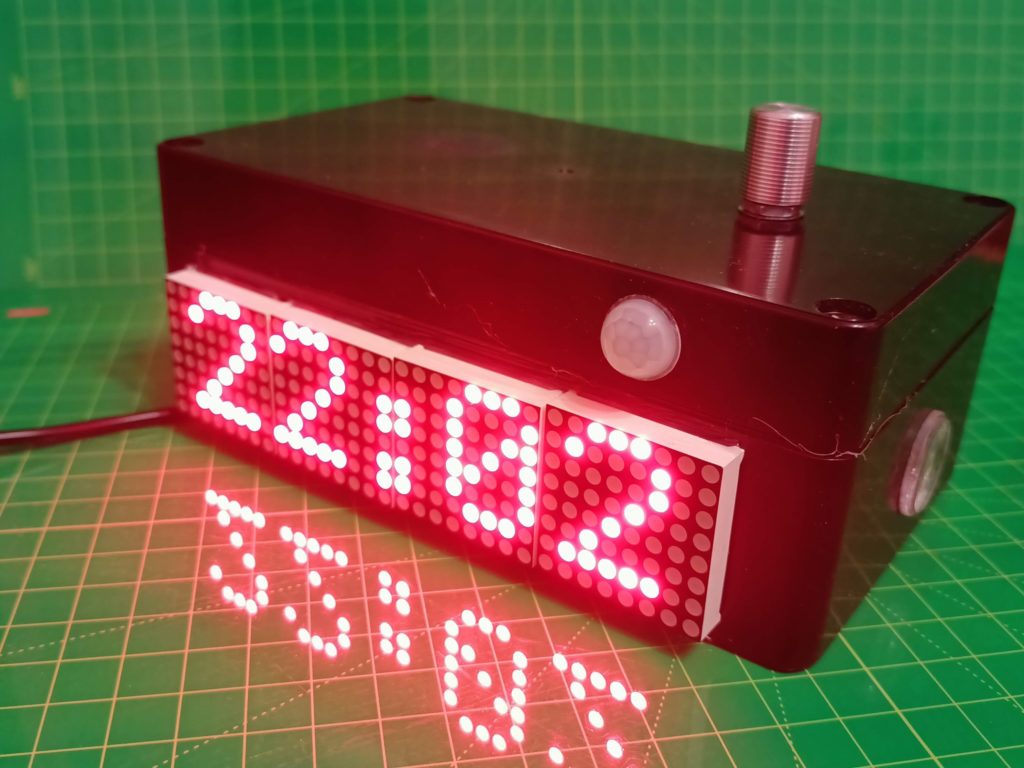
Many consider the number «13» on the clock a bad sign. This project implements a table clock that will never upset its owner. During the day, instead of «13» hours, they will show «01». Instead of 13 minutes, it will be «14». In general, the watch will become absolutely harmless for those who believe in mystical powers. A watch is not just a device for measuring time. It is a symbol of freedom, independence and individuality. And it is these qualities inherent in the watch that will be displayed in this project.

Interesting features:

  1. large display;
  2. changing the brightness depending on the illumination;
  3. automatic demonstration of the date when the user approaches the clock;
  4. «sleep» mode;
  5. auto-correction of the clock to improve accuracy;
  6. minimum of controls.

Components

The project uses components:

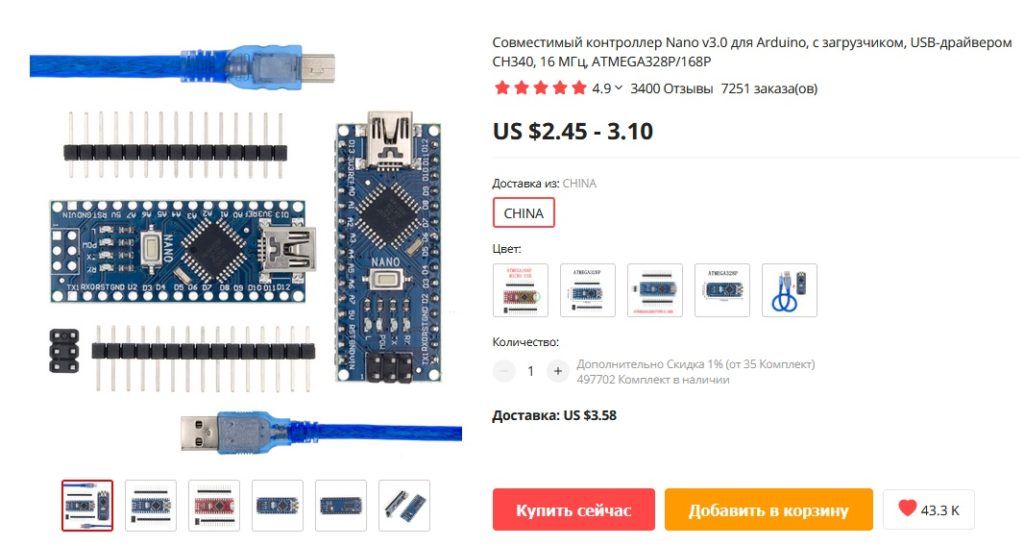
  1. Arduino Nano — 1 pc;
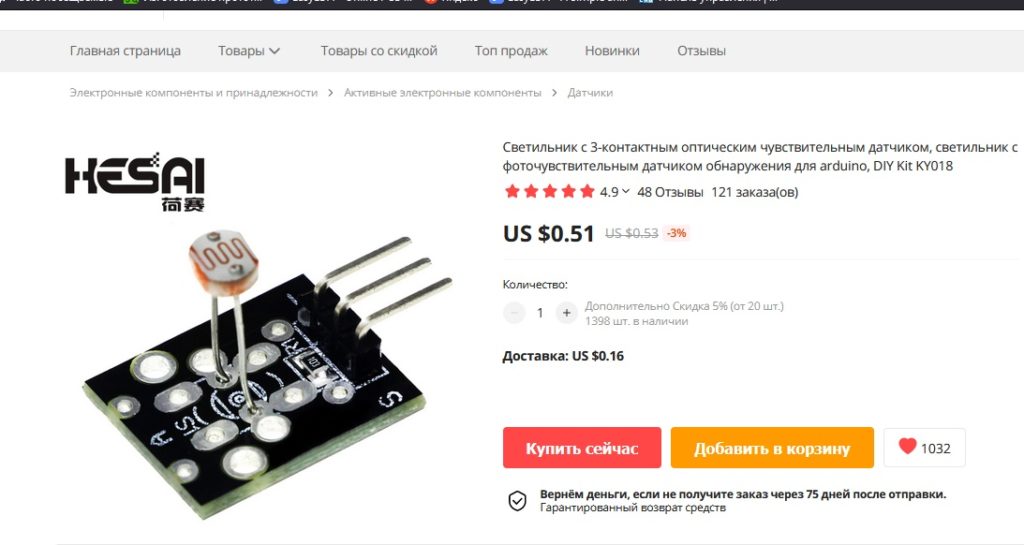
  2. Light sensor KY018 — 1 pc;
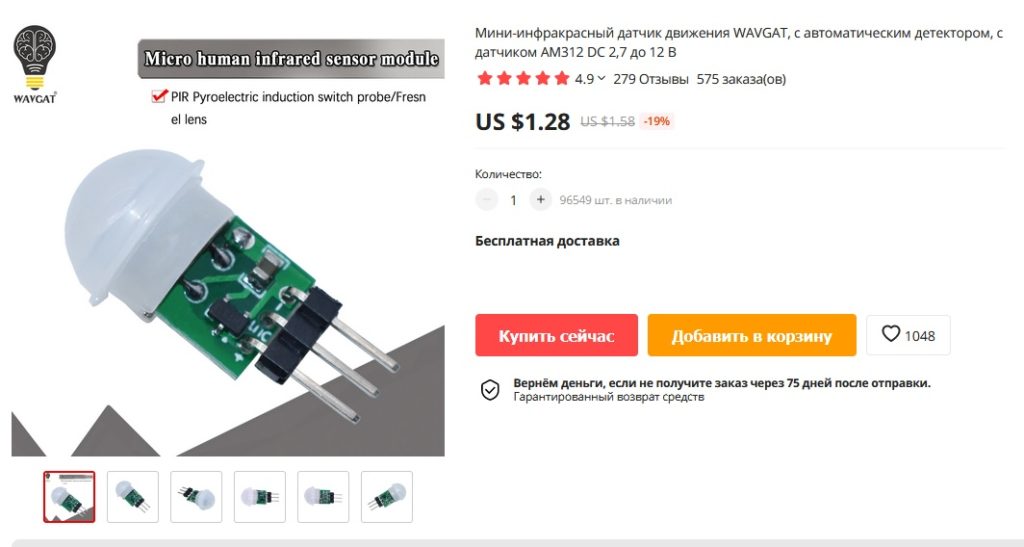
  3. Presence sensor AM312 — 1 pc;
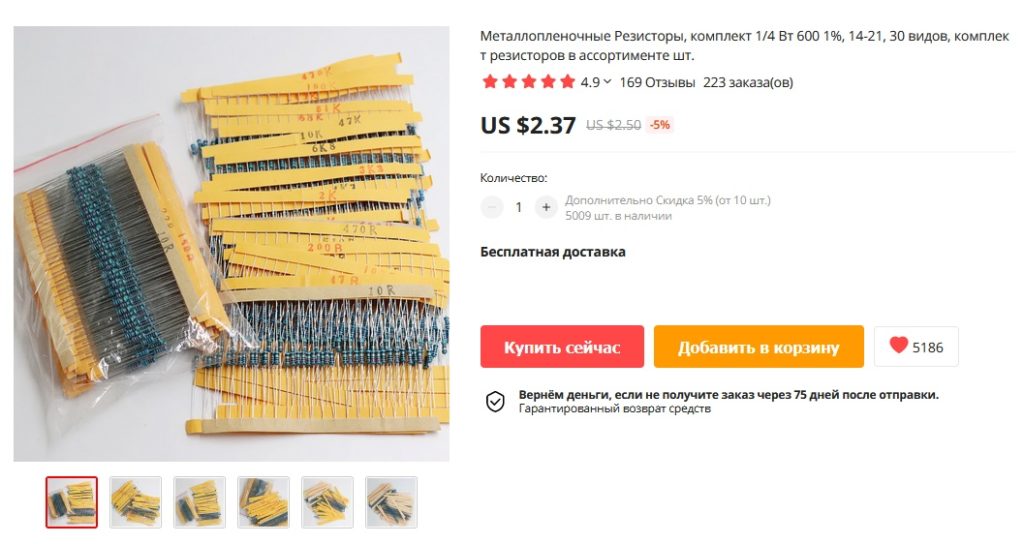
  4. Two 10kOhm resistors;
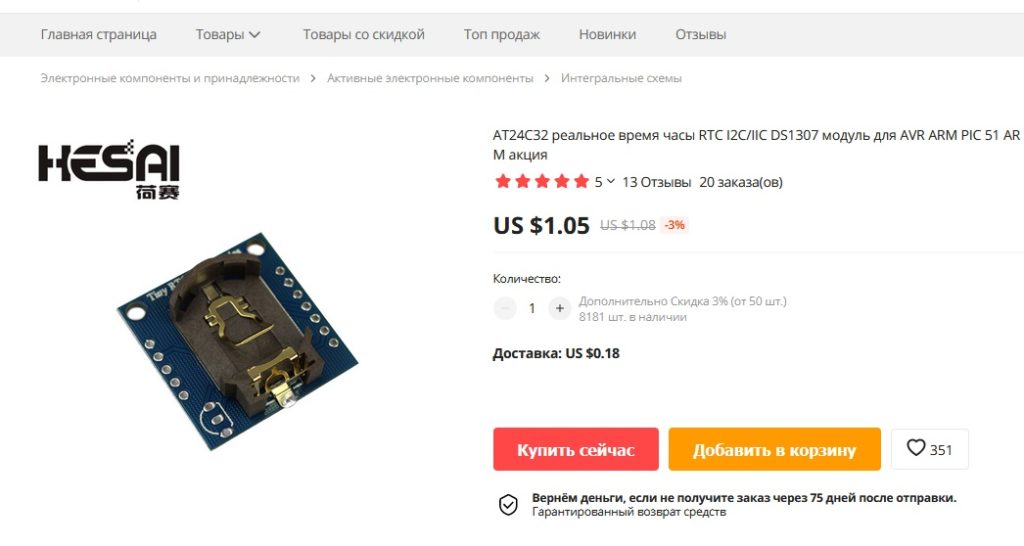
  5. DS1307 Real-time clock;
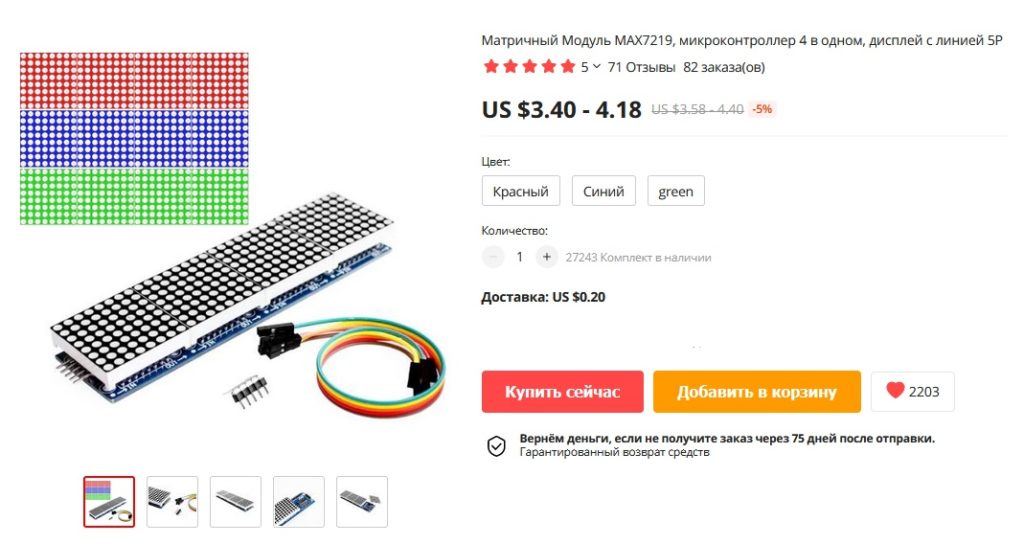
  6. LED matrix MAX7219 — 1 pc;
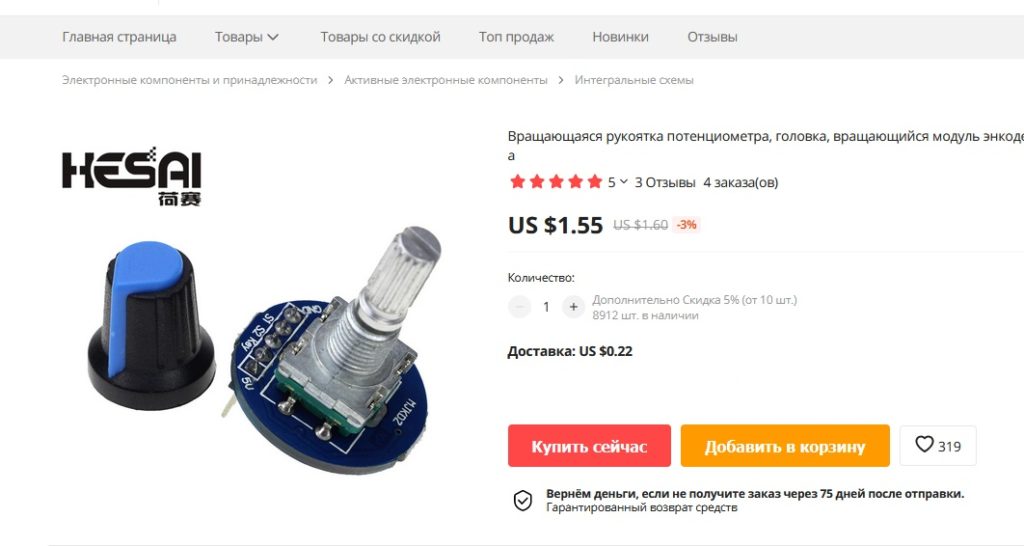
  7. Encoder — 1 pc;
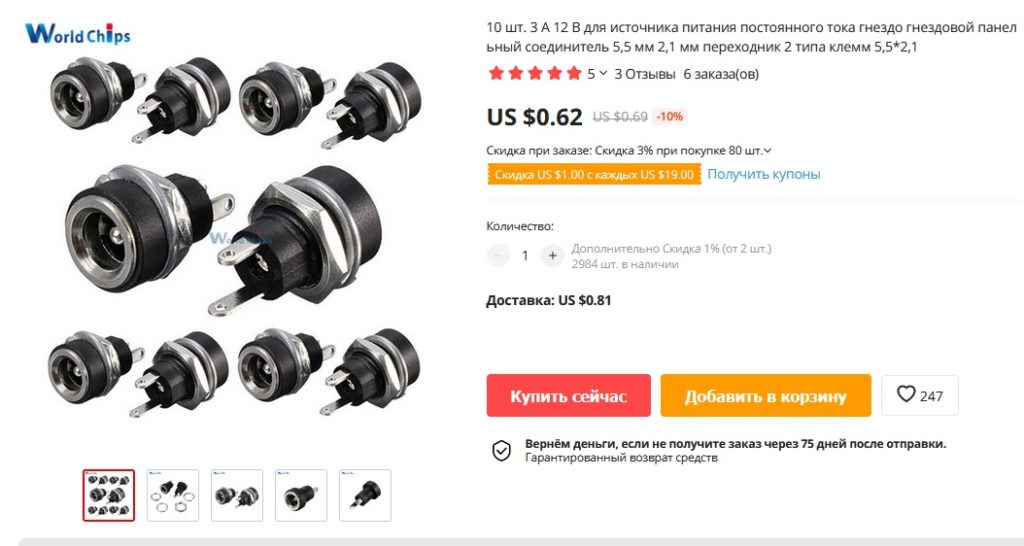
  8. Power connector — 1 pc;
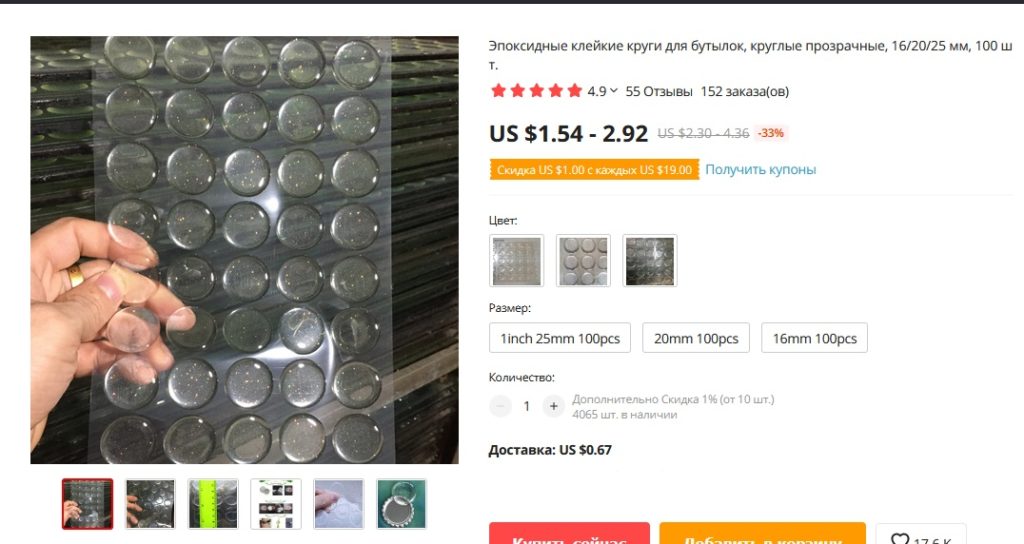
  9. Transparent sticker on the hole for the light sensor — 1 pc;
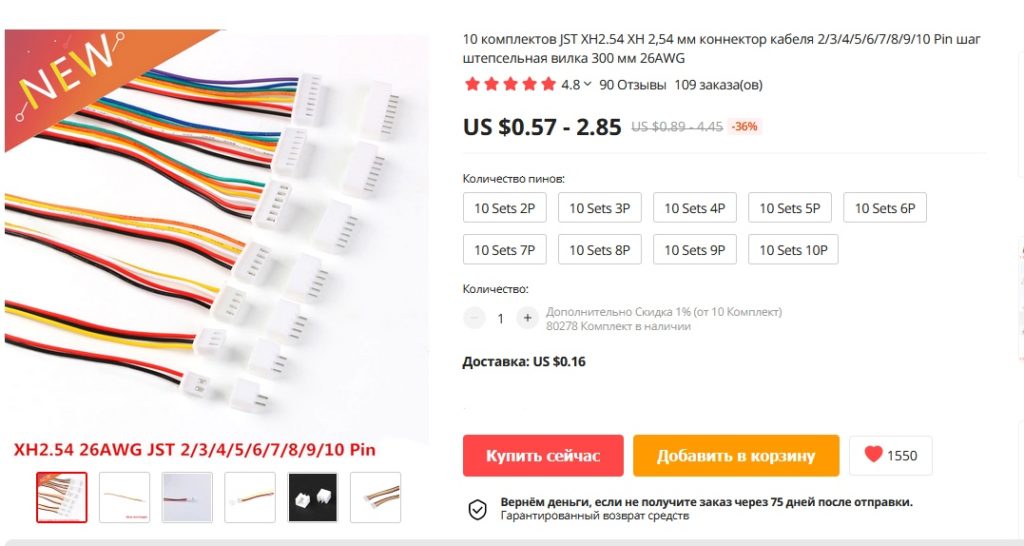
  10. Cables 5 pieces with a plug for connection to the board, of which:
    • 2 pcs. x for 5 contacts;
    • 2 x 3;
    • 1 x 2
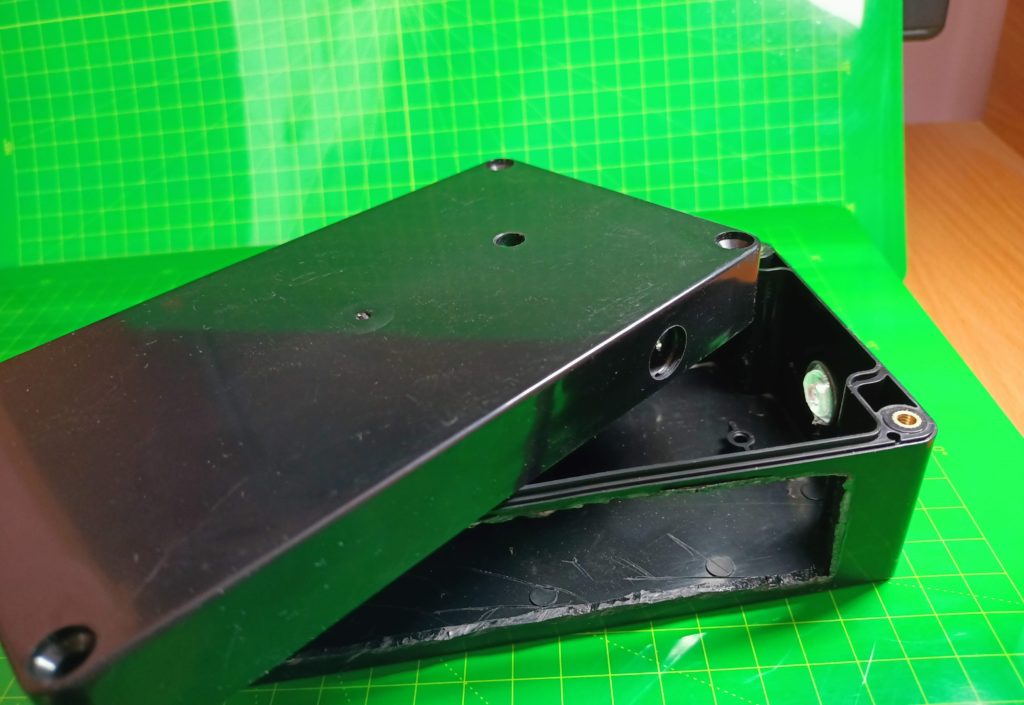
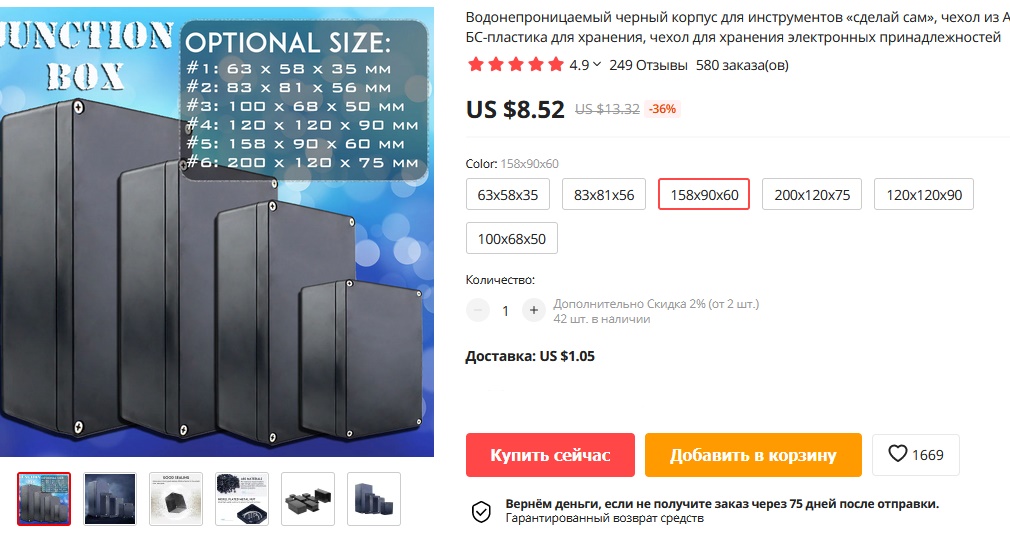
  11. Housing for the device 158 x 90 x 60 mm;
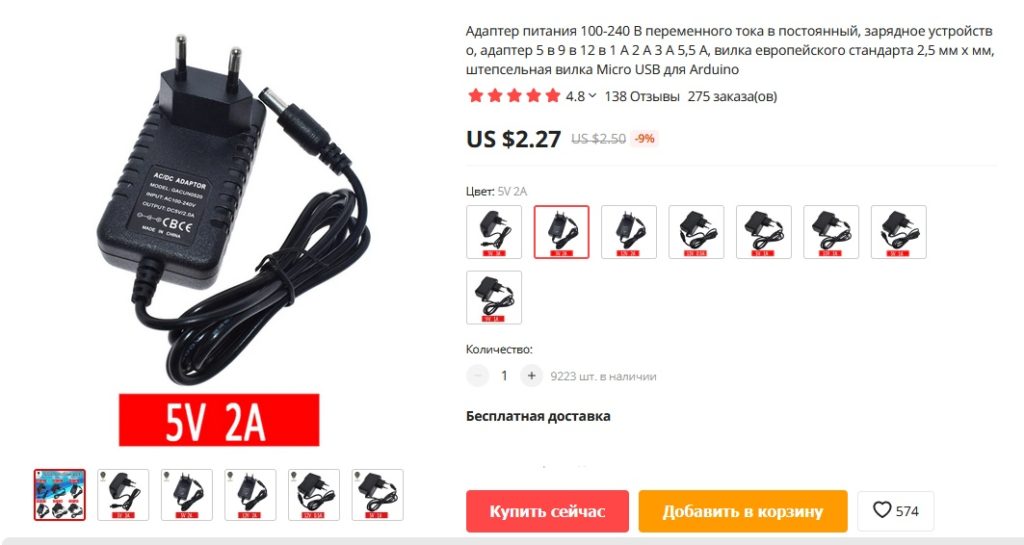
  12. Adapter for power supply of the device 5V, 2A;
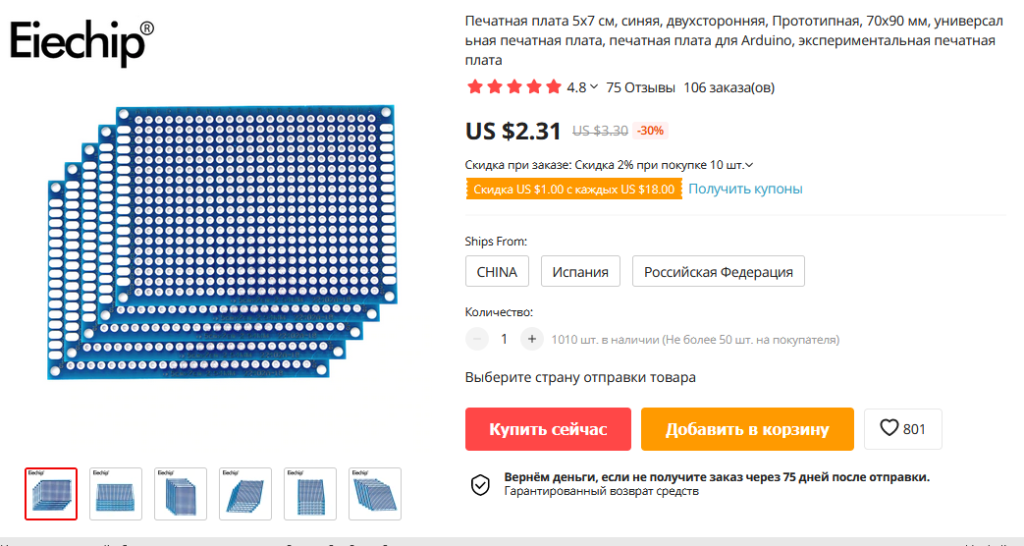
  13. A board for assembling all components (alternatively, a universal board).

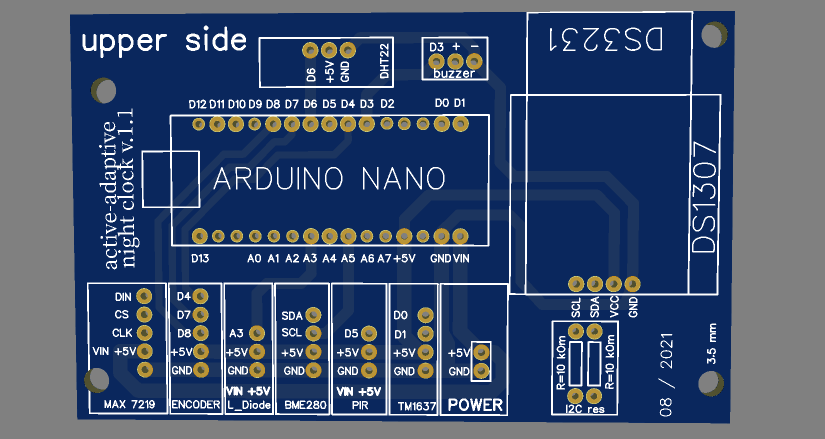
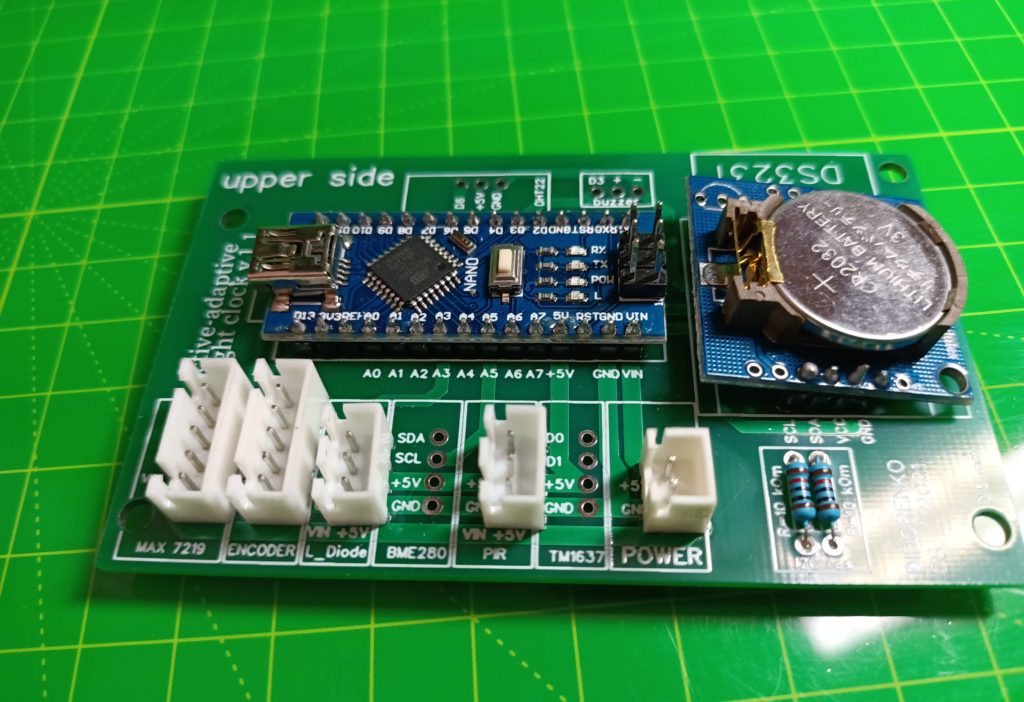
A printed circuit board specifically for this project

You can print the board on the EasyEDA website, the cost with delivery is about $ 30 (10 pcs). The Gerber file for ordering the board can be downloaded below.

Gerber_AAC_30062021_1_2021-09-04

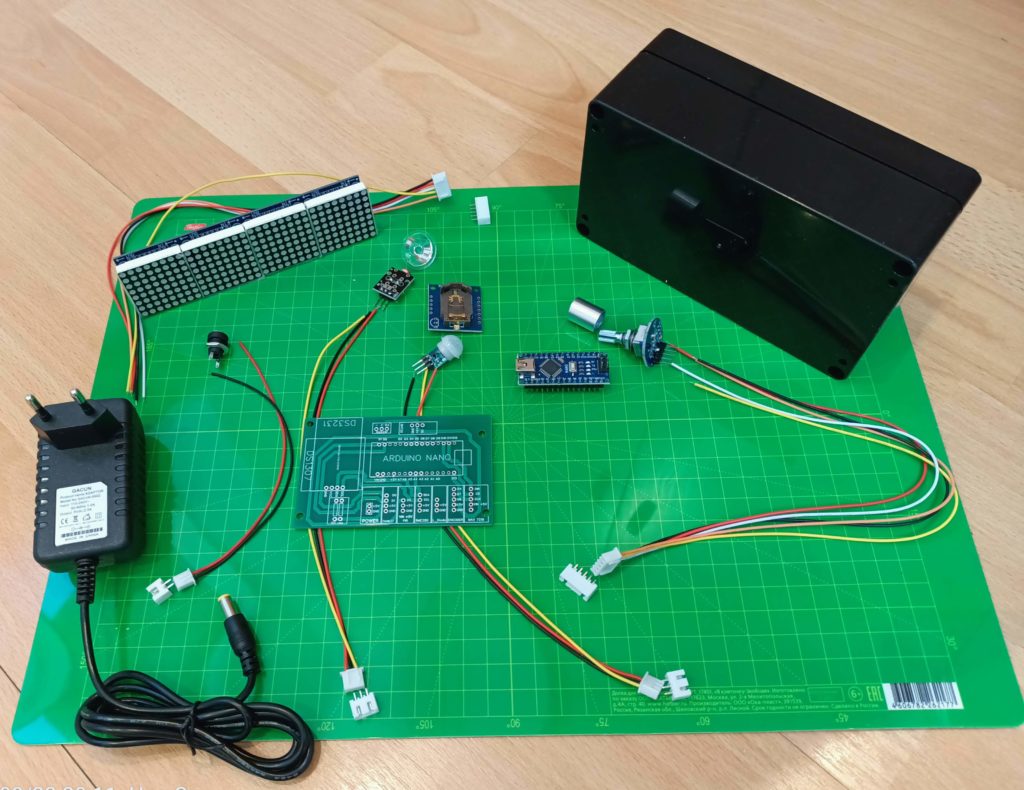
All components:

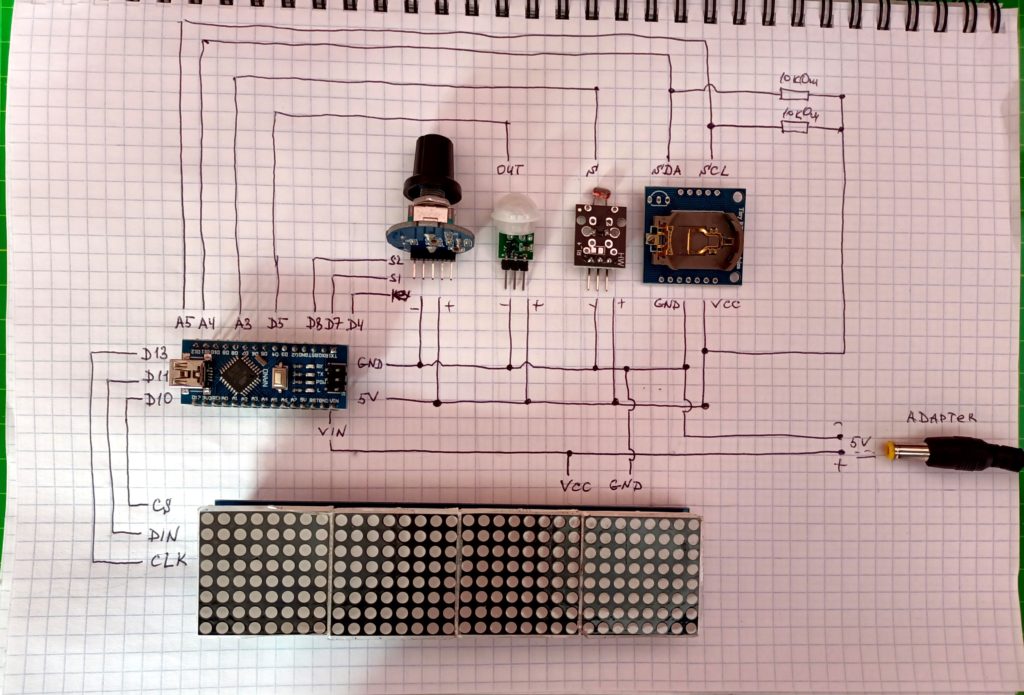
Device diagram:

Device Assembly:

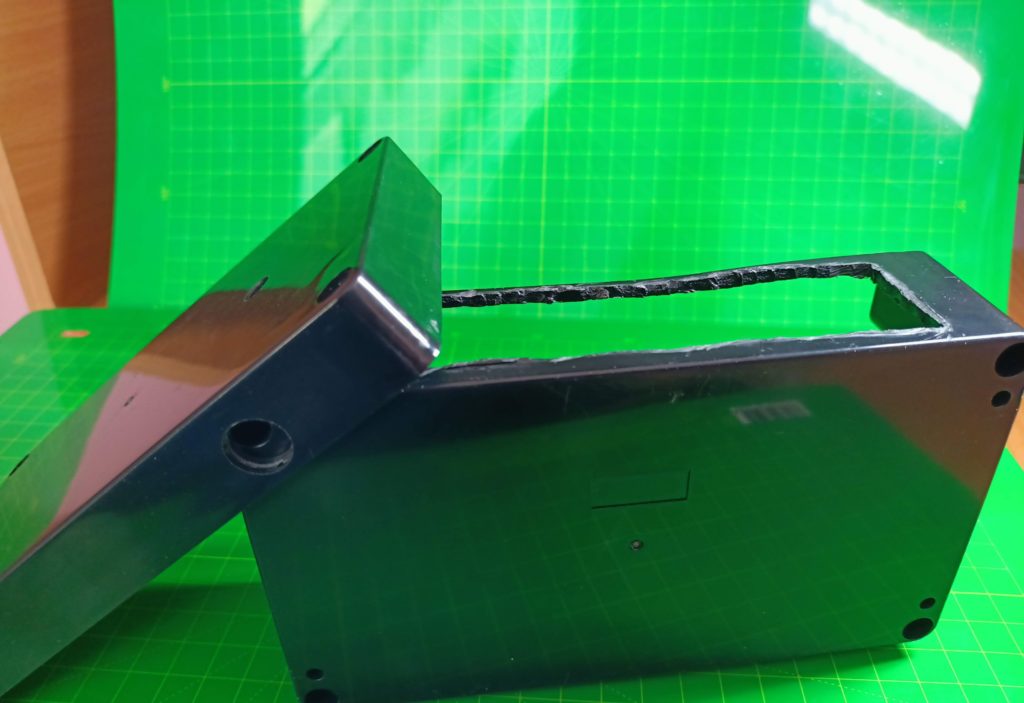
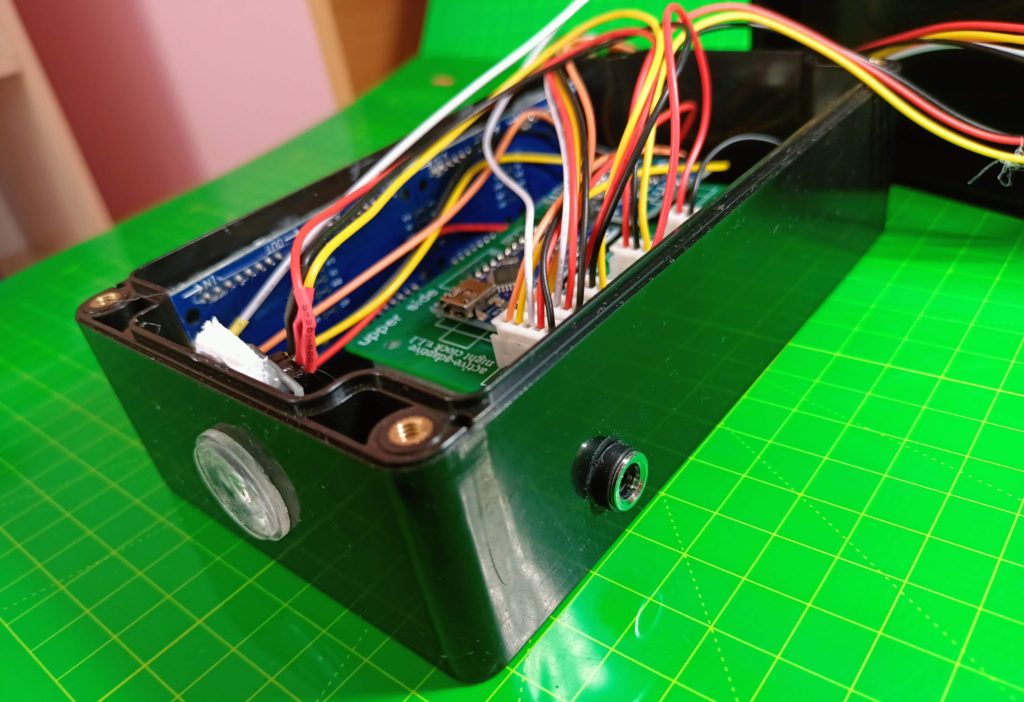
1. Holes must be made in the housing for the LED matrix, encoder, presence sensor, light sensor and plug to power the device from the adapter.

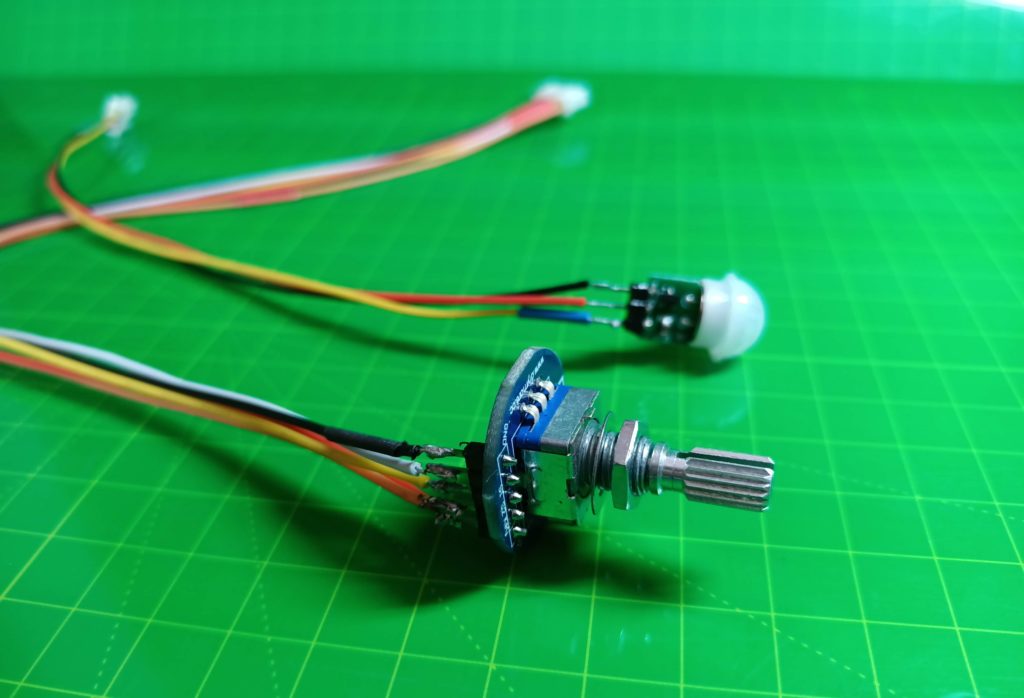
2. Solder the cables to the encoder, presence sensor, light sensor, power plug and LED matrix.

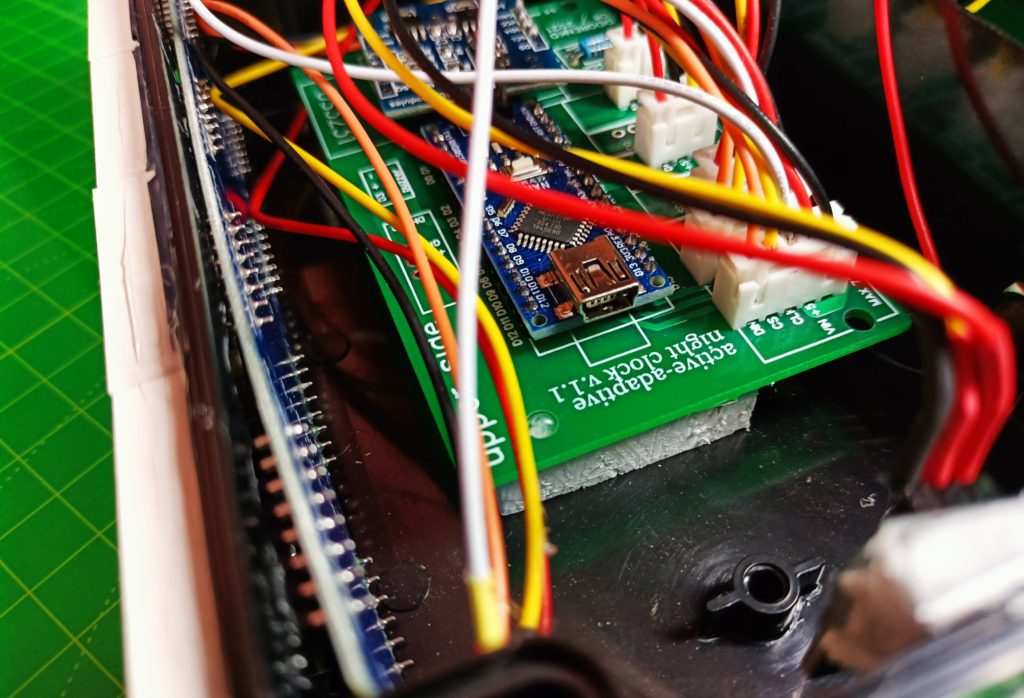
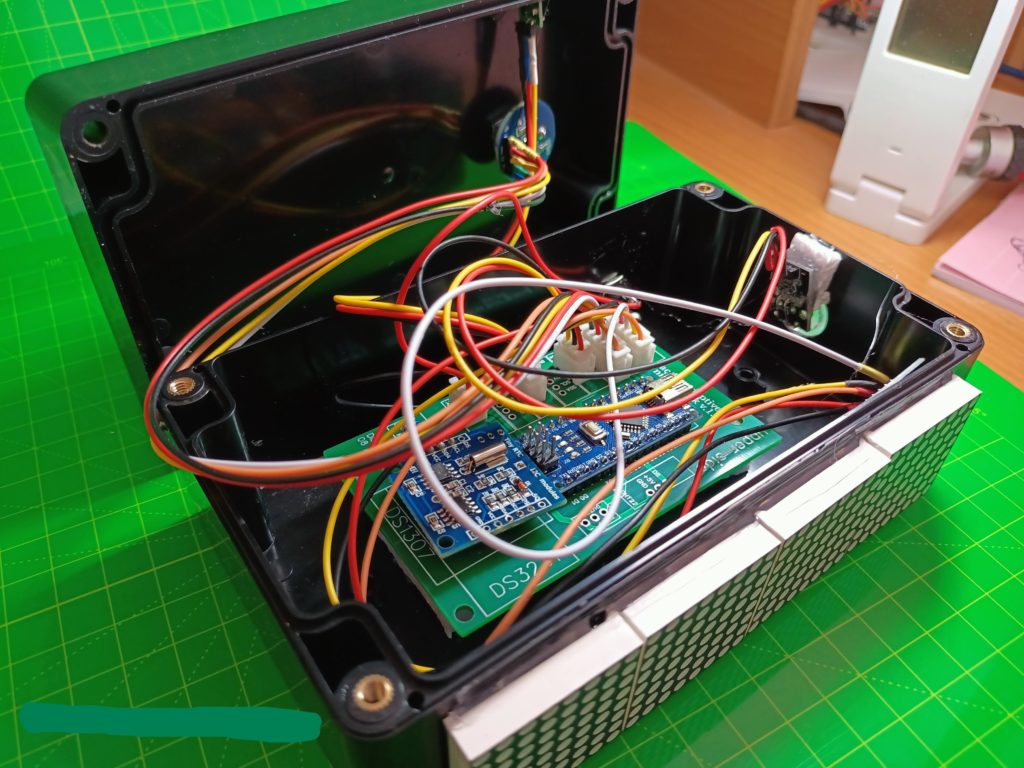
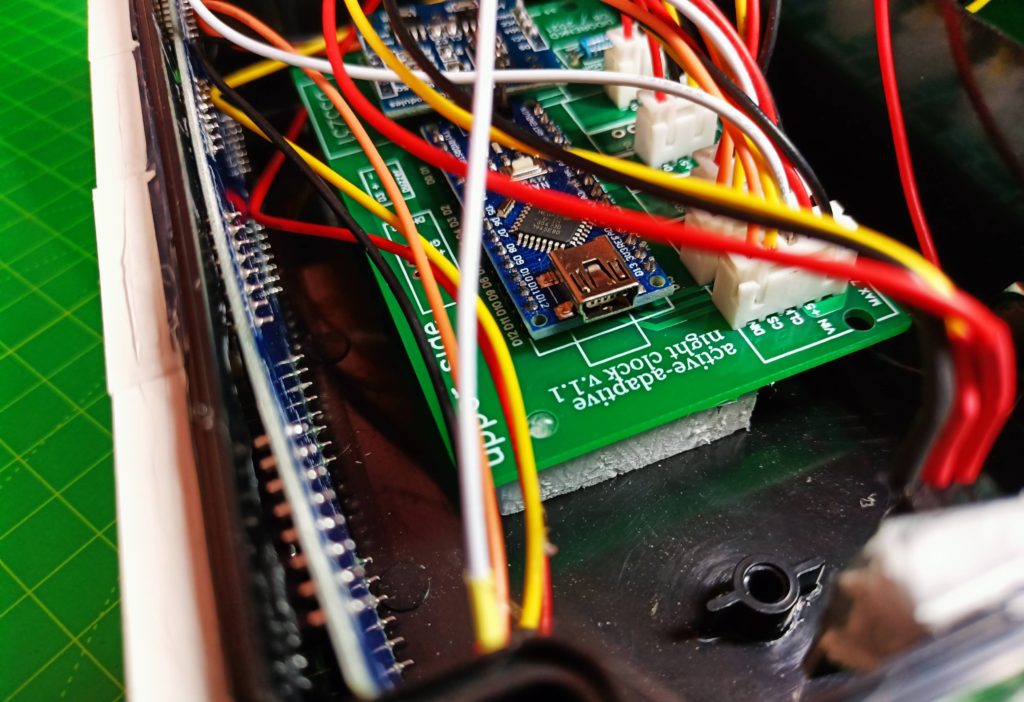
3. Solder an Arduino microcontroller, a real-time clock, two resistors and five contact groups to the board to connect the peripherals.

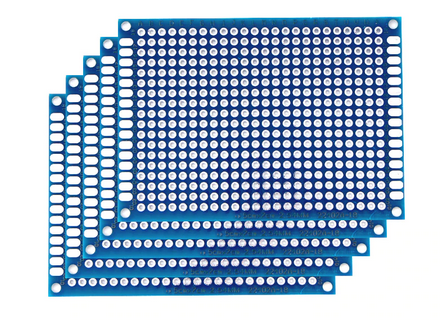
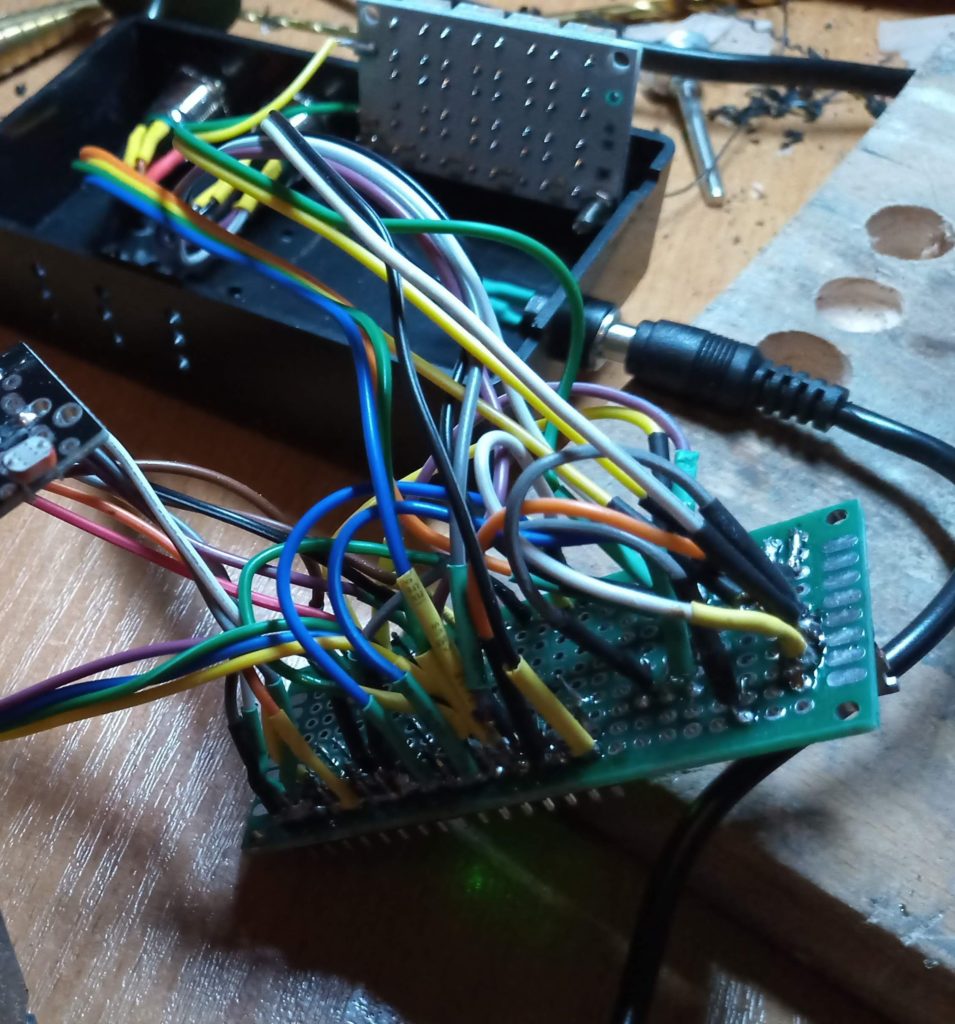
Generic circuit boards can also be used to connect all components.

In this case, there are too many connections made of wires, in which it is easy to get confused, as in the picture below. The reliability of connections during the installation of components is significantly reduced.

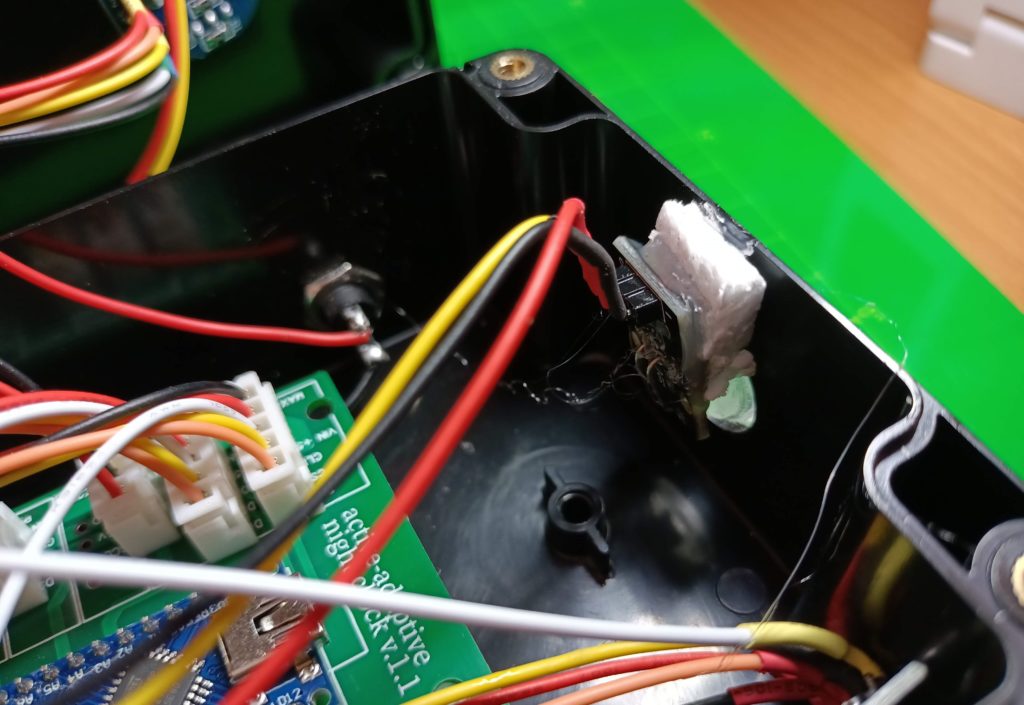
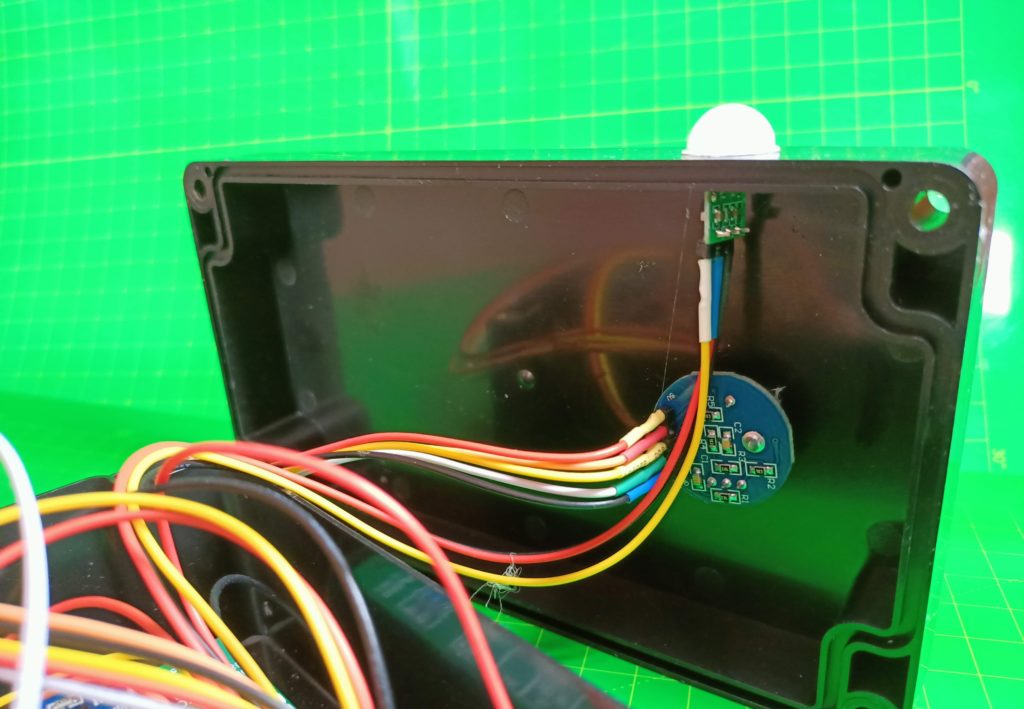
4.Attach the board to the case and attach all sensors to it. We attach the sensors to the housing.

The hole for the light sensor is covered with a transparent plastic sticker. The adapter connection input is glued on the back side.

5.The board is glued to the case on strips of foam.

Everything is ready. It remains to fill in the sketch and close the lid.

Device management program (sketch)

Click the archive link with a text file containing a program for controlling the device.

				
					  if ((time.Hours == 13) & (time.minutes == 13)) {
    time.gettime("d-m-Y, H:i:s, D");
    h = time.hours;
    m = time.minutes + 1;
  }
  else if ((time.Hours == 13) & (time.minutes != 13)) {
    time.gettime("d-m-Y, H:i:s, D");
    h = time.hours;
    m = time.minutes;
  }


Let's consider in detail the individual blocks of the Arduino clock management program.

  1. Displays the current time on the display.
  2. A running string with the readings of the current date when approaching the clock.
  3. Setting the date and time. One of the necessary functions of the Arduino clock is the ability for the user to set the date and time. We organize the control of this function by means of an encoder.
  4. Automatic change of the brightness of the clock display depending on the illumination. The watch can automatically change the brightness of the display depending on the current lighting conditions, so that the user always sees a clear picture in bright ambient light, and in low light the display does not blind the eyes.
  5. Switching the clock to sleep mode.
  6. Determination of the day of the week.
  7. Automatic adjustment of the accuracy of the clock.

You can use a more presentable device case, an encoder handle, and decorate the case with stickers.

Часы удачи на Ардуино

Часы удачи

Многие считают число «13» на часах плохим знаком. В этом проекте реализованы настольные часы, которые никогда не огорчат своего владельца. Днем, вместо «13» часов они будут показывать «01». Вместо 13 минут, будет «14». В общем, часы станут абсолютно безобидными для тех, кто верит в мистические силы. Часы – это не просто устройство для измерения времени. Это символ свободы, независимости и индивидуальности. И именно эти, присущие часам качества, будут отображены в данном проекте.Интересные функции:

  1. большой дисплей;
  2. изменение яркости в зависимости от освещенности;
  3. автоматическая демонстрация даты при приближении пользователя к часам;
  4. режим «сна»;
  5. автокоррекция хода часов для повышения точности;
  6. минимум органов управления.

Компоненты

В проекте использованы компоненты:

  1. Arduino Nano — 1 шт;

  2. Датчик освещенности KY018 — 1 шт;

  3. Датчик присутствия AM312 — 1 шт;

  4. Два резистора 10 кОм;

  5. Часы реального времени DS1307;

  6. Led матрица MAX7219 — 1 шт;

  7. Энкодер — 1шт;

  8. Разъем для подключения питания — 1шт;

  9. Прозрачная наклейка на отверстие под датчик освещенности — 1 шт;

  10. Кабели 5 штук с вилкой для подключения к плате, из них:

    • 2 шт. х на 5 контактов;

    • 2 х 3;

    • 1 х 2

  11. Корпус для устройства 158 х 90 х 60 мм;

  12. Адаптер для питания устройства 5V, 2A;

  13. Плата для сборки всех компонентов (как вариант — универсальная плата).

Корпус устройства, размеры 158 х 90 х 60 мм

Печатная плата специально для этого проекта

Напечатать плату можно на сайте EasyEDA, стоимость с доставкой примерно 30$ (10 шт). Gerber файл для заказа платы можно скачать ниже.

Gerber_AAC_30062021_1_2021-09-04

Все компоненты вместе:

Схема устройства:

Сборка устройства

1. В корпусе необходимо сделать отверстия под LED матрицу, энкодер, датчик присутствия, датчик освещенности и вилку для питания устройства от адаптера.

2. Припаиваем кабели к энкодеру, датчику присутствия, датчику освещенности, вилке питания и Led матрице.

3. Припаиваем к плате микроконтроллер Arduino, часы реального времени, два резистора и пять контактных групп для подключения периферии.

Для соединения всех компонентов можно использовать и универсальные монтажные платы.

В этом случае получается слишком много соединений из проводов, в которых легко запутаться, как на картинке ниже. Надежность соединений в процессе монтажа компонентов значительно снижается.

4.Прикрепляем к корпусу плату и присоединяем к ней все датчики. Датчики крепим к корпусу.

Отверстие для датчика освещенности закрыто прозрачной пластмассовой наклейкой. С задней стороны приклеен вход для подключения адаптера.

5.Плата приклеена к корпусу на полосках пенопласта.

Все готово. Осталось залить скетч и закрыть крышку.

Программа по управлению устройством

По ссылке архив с текстовым файлом, содержащем программу для управления устройством.

				
					  if ((time.Hours == 13) & (time.minutes == 13)) {
    time.gettime("d-m-Y, H:i:s, D");
    h = time.hours;
    m = time.minutes + 1;
  }
  else if ((time.Hours == 13) & (time.minutes != 13)) {
    time.gettime("d-m-Y, H:i:s, D");
    h = time.hours;
    m = time.minutes;
  }


Рассмотрим подробно отдельные блоки программы по управлению часами на Ардуино.

  1. Вывод показаний текущего времени на дисплей.
  2. Бегущая строка с показаниями текущей даты при приближении к часам.
  3. Установка даты и времени. Одна из необходимых функций часов на Ардуино, это возможность для пользователя установить дату и время. Организуем управление этой функции посредством энкодера.
  4. Автоматическое изменение яркости дисплея часов в зависимости от освещенности.Часы могут автоматически изменять яркость дисплея в зависимости от текущих условий освещения, чтобы пользователь всегда видел четкую картинку при яркой освещенности окружающего пространства, а при низкой освещенности дисплей не ослеплял глаза.
  5. Перевод часов в режим сна.
  6. Определение дня недели.
  7. Автоматическая корректировка хода времени часов.

Можно использовать более презентабельный корпус устройства, ручку энкодера, украсить корпус наклейками.

Яндекс.Метрика