Light-set-en
Automatic change of the brightness of the clock display depending on the illumination
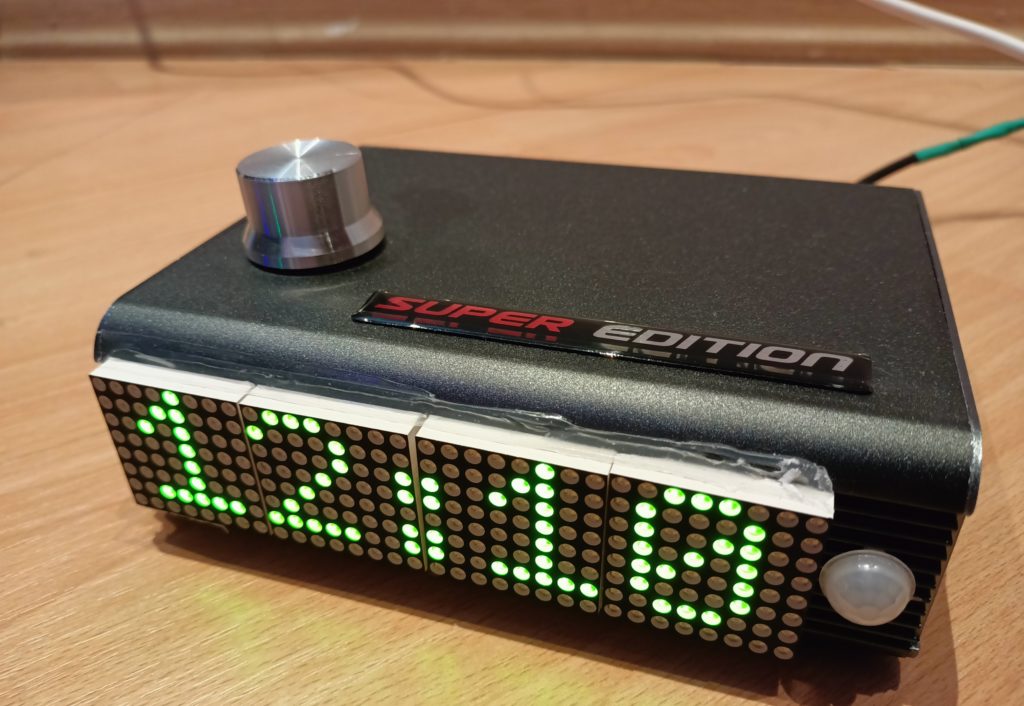
One of the functions useful for the clock user is the automatic change of the display brightness. When there is a high level of illumination in the room where the clock is used, the brightness of the clock display automatically increases. When the light level is low, the brightness of the clock display automatically decreases. Thanks to this function, the clock will not blind your eyes in the evening and early in the morning, in a darkened room. And also will not annoy the inability to recognize the readings of the current time in a brightly lit room.
In the variable definition block, we will set the following variables that will store the current and previous
values of the display brightness depending on the current illumination of the room.
The illumination of the room will be determined by the value of the sensor.
int ligth_Intensity;
int ligth_Intensity2;
Subroutine for controlling the brightness of the clock display:
void light_set ()
{
/*
//////////////for the green display/////////////////
assign the variable «light_Intensity», the value of the brightness of the clock display,
depending on the level of illumination of the room according to the following algorithm:
if (analogRead(lightPin)>=200 & analogRead(lightPin)<=900) ligth_Intensity=(int(analogRead(lightPin)/75));// if the illumination is between 200 and 900,
set the brightness value of the clock display between «2» and «12»
if (analogRead(lightPin)<200) ligth_Intensity=0;//if the illumination is below 200, then set the brightness value of the clock display to «0» — the minimum value
if (analogRead(lightPin)>900) ligth_Intensity=15;// if the illumination is above 900, then set the brightness value of the clock display to «0» — the maximum value
if (abs(ligth_Intensity2 — ligth_Intensity)>2) {// to reduce the flicker effect, we will change the brightness of the watch display only
when the brightness of the display needs to be increased or decreased by more than 2 levels
ligth_Intensity2=ligth_Intensity;
matrix.setIntensity(ligth_Intensity);// setting the display brightness
}
//////////////for the green display/////////////////
*/
// a similar algorithm for a red display, the difference is only in the formula for calculating the brightness, which were determined empirically
//////////////for the red display/////////////////
if (analogRead(lightPin) >= 400 & analogRead(lightPin) <= 1000) ligth_Intensity = (int(analogRead(lightPin) / 100) — 3);
if (analogRead(lightPin) < 400) ligth_Intensity = 0;
if (analogRead(lightPin) > 1000) ligth_Intensity = 14;
if (abs(ligth_Intensity2 — ligth_Intensity) > 2) {
ligth_Intensity2 = ligth_Intensity;
matrix.setIntensity(ligth_Intensity);
}
//////////////for the red display/////////////////
}
In order for the function to work, you need to call it every time from the main program cycle before displaying the clock time readings.